
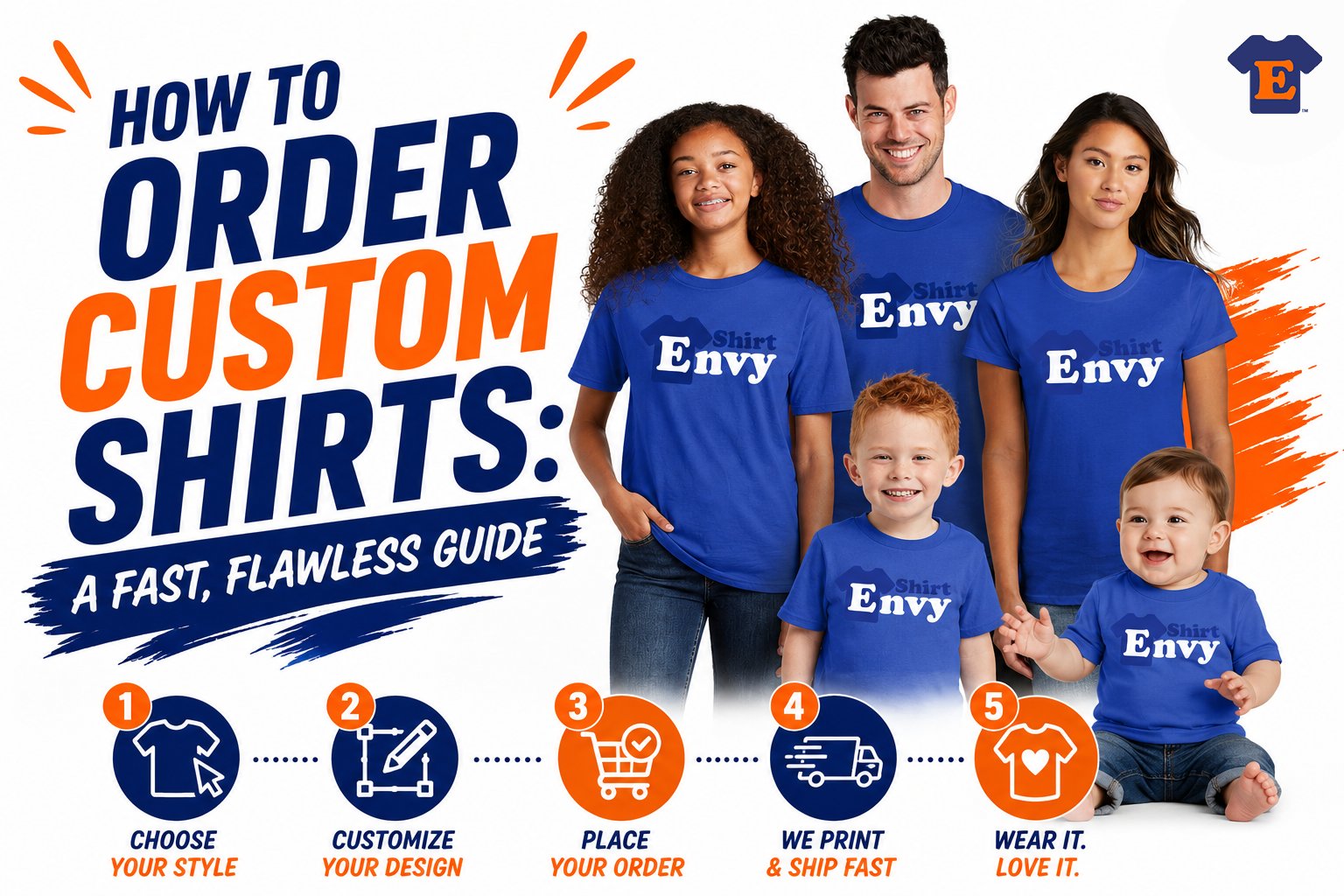
Meta description: Learn how to order custom shirts fast with the right garment, print method, artwork, and proof process. Get better results with fewer delays.
You need shirts fast. Maybe it's for a staff rollout, a launch event, a school club, a family trip, or a last-minute vendor booth where everyone suddenly realizes branded apparel would help. That's usually when people search how to order custom shirts, and it's also when mistakes happen.
Most bad shirt orders don't fail because the idea was weak. They fail because the buyer picked the wrong blank, used the wrong print method, uploaded a weak file, or approved art before the details were locked. If you handle those decisions in the right order, the process gets much easier and a lot faster.
From Idea to Apparel Why Ordering Custom Shirts Matters
Custom shirts solve a real business and event problem. They make a team visible, give a brand a consistent look, and turn a one-time gathering into something people remember. A shirt can work as a uniform, merch item, fundraiser piece, giveaway, or walking ad, depending on how you order it.
That's one reason this category keeps growing. The global custom t-shirt market was estimated at $4.5 billion in 2023 and is expected to reach $8.5 billion by 2032, according to ApparelNBags market analysis. Buyers aren't treating custom apparel like a niche novelty anymore. They're using it as part of normal branding, launches, recruiting, events, and community building.

For small companies, creators, and organizations, shirts are often the first physical product people touch. That matters. A clean print on the right garment feels organized. A rough print on a scratchy shirt feels rushed, even if the logo itself is good.
If you're ordering for a growing brand, it helps to think beyond one event. This is the same reason many teams also invest in custom apparel for small business. The order isn't just about getting shirts made. It's about choosing apparel that people will wear again.
Good custom apparel does two jobs at once. It identifies the group now, and it keeps representing the brand after the event is over.
Laying the Groundwork Garment, Print Method, and Quantity
Rush orders usually go sideways before anyone uploads a logo. The slowdowns start when the shirt type, decoration method, and piece count are still fuzzy. At T-Shirt Envy, the fastest orders are the ones where those three choices are settled first. If you handle them up front, the rest of the order can move in minutes instead of bouncing through clarification emails.

Choose the shirt for the job
Start with the use case, not the color chart.
A cheap event tee, a staff uniform, and a retail-style merch shirt can all carry the same artwork and perform very differently once people put them on. I tell customers to decide what success looks like first. If the goal is broad distribution at the lowest cost, a basic cotton blank usually does the job. If the goal is repeat wear, brand perception, or a softer hand feel, ringspun cotton or a cotton-poly blend is often the better call.
A few questions narrow the choice quickly:
- Who will wear it: employees, customers, students, athletes, or event guests
- How often it will be worn: one event, weekly use, or resale
- What feel you want: standard, soft, lightweight, heavier retail fit
- What the print has to sit on: cotton, blended fabric, or polyester
Fabric affects decoration more than first-time buyers expect. Printwear Magazine explains that different print methods pair better with different garment types, and order size also affects which process makes sense from a production and cost standpoint, as outlined in Printwear's guide to choosing the right t-shirt printing method.
If you're building merch instead of simple event shirts, finishing details can matter too. Custom neck labels or branded tags make a shirt feel more like a product and less like a giveaway. The Quote My Wall labels guide is a useful reference for that part of the branding decision.
Match the print method to the fabric and order size
Print method should follow the garment and the quantity. That order saves time, avoids bad expectations, and usually protects the budget.
Here's the practical version shops use every day:
| Need | Usually the better fit |
|---|---|
| Large run of the same design | Screen printing |
| Small batch with detailed, full-color art | DTG or DTF |
| Polyester performance shirts | Sublimation |
There are trade-offs inside each option. Screen printing is strong for volume, but setup makes it less attractive on very small runs. DTG handles photo detail well on the right garment, but fabric choice matters. DTF is flexible and fast for many short-run jobs, especially when customers need mixed garments or quick reorders through the TSE app. Sublimation produces excellent results on polyester but is the wrong choice for standard cotton tees.
If you want a side-by-side breakdown before you choose, DTF vs DTG printing differences explains how each method performs across artwork detail, fabric type, and turnaround speed.
One mistake I see a lot is customers picking a print method by name because they heard it once on social media. The better move is to pick the result you need, then let the garment, art, and count point to the right process.
Quantity changes the whole quote
Quantity is not a small detail. It changes pricing, production flow, and sometimes the best print method too.
DG Promo notes in its custom t-shirt cost guide that higher quantities usually reduce the cost per shirt because setup gets spread across more pieces. That is why experienced buyers ask for price breaks, not just a single-unit number.
For rush jobs, this matters even more. A 24-piece order and a 144-piece order can require a different production plan, different decoration method, and different approval timing. If your headcount might grow, say so early. At T-Shirt Envy, that helps us quote the smarter path the first time and helps you place the order faster in the app without revising everything later.
A few groups should nearly always pad their count:
- Schools: sizes shift and late additions are common
- Event teams: extras disappear fast at check-in
- Businesses: new hires and replacement sizes show up after the first order
The goal is simple. Choose a garment people will wear, pair it with the print method that fits the fabric and run size, and set a quantity that reflects real demand. Get those three right, and the rest of the order gets much easier.
Artwork That Guarantees a Perfect Print
If there's one issue that causes the most preventable delays, it's artwork quality.

A logo pulled from a website, social profile, or screenshot often isn't production-ready. Industry guidance notes that low-resolution files from websites or social media are often only 72 to 150 DPI, while the recommended fix is vector art or high-resolution raster files at 300+ DPI. It also notes that recreating bad artwork can add $45–125 in setup or rebuild cost, as explained in French Press Custom's apparel artwork guide.
The fastest file types to send
For clean proofs and fewer back-and-forth emails, send one of these:
- Vector files: AI, EPS, or PDF
- Raster files: Transparent PNG at 300 DPI minimum
Those formats reduce cleanup work, hold edge detail better, and make scaling easier. If the art has to go on multiple shirt sizes or print locations, that matters a lot.
Here's the simple filter I use. If your file gets blurry when you zoom in, it probably isn't ready. If your logo sits on a random colored screenshot background, it probably needs cleanup.
For readers building artwork from scratch, how to plan and produce graphics is a helpful creative planning resource before you upload anything.
Send the file you designed from, not the file you posted online.
What to check before you upload
Bad files don't just hurt print quality. They also slow proofing because the art team has to ask questions that should've been answered up front.
Check these before submitting:
- Background removal. Transparent art is easier to place accurately.
- Correct spelling. Team names, event dates, and sponsor lists get missed more often than you'd think.
- Actual print size. Tiny text that looks fine on a laptop can disappear on fabric.
- Placement notes. Say whether you want front chest, full front, back, sleeve, or multiple locations.
A quick visual walkthrough can also help when you're preparing files:
The 5-Minute Order Placing and Approving Your Job
You've got a fundraiser, staff event, or tournament coming up fast, and the order still is not in. At that point, speed comes from clean decisions, not guesswork. The T-Shirt Envy process is built for that. Pick the product, upload usable art, approve the proof, pay, and production can move without delays.

Start with the order details you do not want changed later
Rush jobs get slowed down when buyers keep one part of the order open while asking the shop to price and proof everything else. If the shirt style changes after the art is sized, or the quantity changes after the print method is selected, the job usually has to be reworked.
Set these first: garment, color, size run, print locations, and turnaround speed. That gives the art team and production team a fixed target.
I tell customers the same thing every day. Finalize the blank first, then approve the graphic on that blank. It saves time and avoids the kind of last-minute reset that costs a day.
Upload the file, then give the notes that answer the obvious questions
Good notes cut proof time. Include front or back placement, left chest versus full front, and whether the art should print at a specific size. If the design must stay exactly as submitted, say that clearly. If you are flexible, say that too.
For rush orders, the TSE app helps because you can upload art, review updates, and approve from your phone instead of waiting until you are back at a computer. That matters when a team manager is still collecting sizes or an event planner is approving art between meetings.
Treat the proof like the final inspection
A proof is the last checkpoint before ink hits fabric. Review it as one complete job, not as separate pieces. Check spelling, placement, print size, garment color, and every print location in the same pass.
If something looks off, mark it once and be specific. “Raise logo 1 inch” is useful. “Can you make it better?” slows everything down.
According to the Custom Ink help guide on approving your proof, customers should review all design details carefully before approval because production begins from that approved proof. That matches how print shops operate in practice. Once approval is given, the job moves from art to production.
Keep the order flow tight
The fastest orders follow a simple path: choose the product, submit the art, approve the proof, pay. T-Shirt Envy built its rush workflow around that sequence so customers can get through it quickly without missing the details that cause reprints or deadline problems.
If you need pricing, timing, or spec confirmation before checkout, use the custom apparel quote form. For many standard rush jobs, you can get the order placed and approved in under five minutes if the art and specs are ready.
Unlock Pro-Level Savings and Speed
First-time buyers usually focus on the design. Repeat buyers focus on the system.
The biggest shift is learning how quantity breaks work. Most ordering guides mention that bulk saves money, but they don't explain where the math changes. Screen-print pricing often changes at quantity break points like 24, 48, 72, and 144 units, and experts recommend ordering at or just above those breaks for better per-unit pricing. The same guidance also recommends adding a 10 to 15% buffer for unexpected needs, according to the Underground Printing FAQ on screen print ordering.
Buy at the break, not below it
If your count lands just under a break point, ask what happens if you push the order slightly higher. That's often where buyers save money per piece while also covering extras for size swaps, late additions, or damaged shirts.
This is especially useful for:
- Corporate orders: New staff members or forgotten departments appear after approval.
- Events: Volunteers and speakers often need add-on shirts late.
- Merch drops: A few extra pieces can prevent a fast stock-out in common sizes.
Build a repeat-order shortcut
The fastest future order is the one you don't have to rebuild.
TSE Club members save the most time through two practical perks: saved reorder templates with artwork history, and priority proofing with checkout shortcuts. If you reorder the same staff tee, event shirt, or promo design regularly, that eliminates a lot of repetitive setup.
That's where the brand promise of Quick, Quality, Printing!™ becomes operational instead of just sounding good. Speed comes from prepared files, stable templates, and fast approvals. Quality comes from using the right process from the start.
Start Your Custom Shirt Order Today
Ordering custom shirts doesn't need to be complicated. The jobs that move smoothly usually follow the same pattern. Pick the right garment for the use case, match the print method to the fabric and quantity, send clean artwork, and treat the proof like the final checkpoint it is.
That approach protects both speed and quality. It also gives you more control over price, because you're making decisions before the job gets expensive to fix. A buyer who locks details early almost always has a better experience than one who keeps changing direction midstream.
If you need shirts for a business, event, school, creator brand, fundraiser, or staff rollout, move early and keep the file prep clean. If you're ordering on a deadline, use your phone to upload art, watch for proofs, and approve quickly so production can start without delay. The TSE mobile app is built for exactly that kind of on-the-go coordination.
Start with a clear count. Send the best file you have. Confirm the details once, then let production do its job.
Start your custom order today with T-Shirt Envy. You can upload artwork, request pricing, and move from idea to approved print fast. Download the TSE mobile app and create your design in minutes, or place your next rush order online and experience Quick, Quality, Printing!™


